Troubleshooting
Stuck download, black screen, or no WebGPU
Updated 2026-10-29
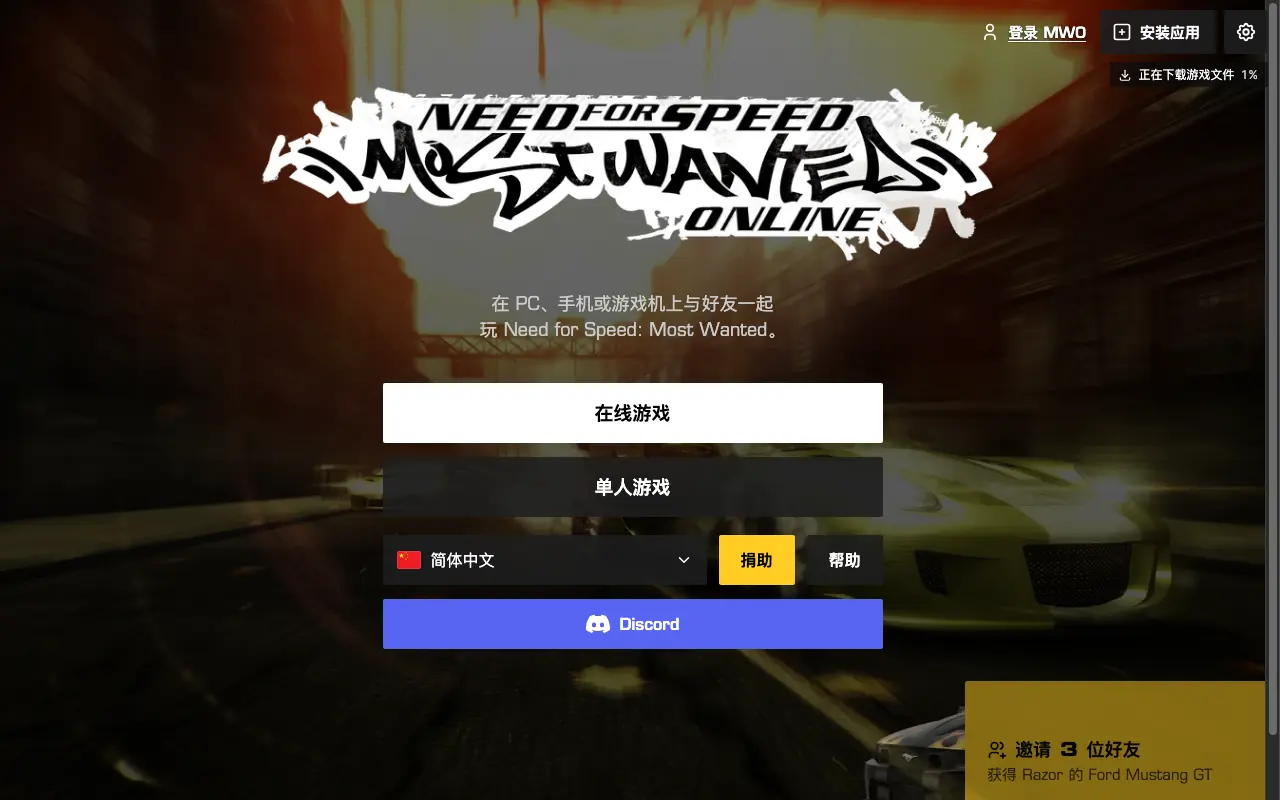
A slow download is not automatically a failure. For the unofficial Need for Speed: Most Wanted (2005) projects, this page separates project-published graphics and network notes from unverified player reports. This review did not reproduce a black screen or launch the game.
Try these five checks first
These are non-destructive checks, not a statistical claim about the most common cause. Do not erase browser data, disable security software or bypass a managed network policy.
- Use desktop Chrome or Edge, not an in-app browser.
- Turn on hardware acceleration. On a dual-GPU laptop, quit Chrome fully and relaunch with
--force_high_performance_gpuif you are on the dezm0n port. - Leave the game tab in the foreground until the first download finishes.
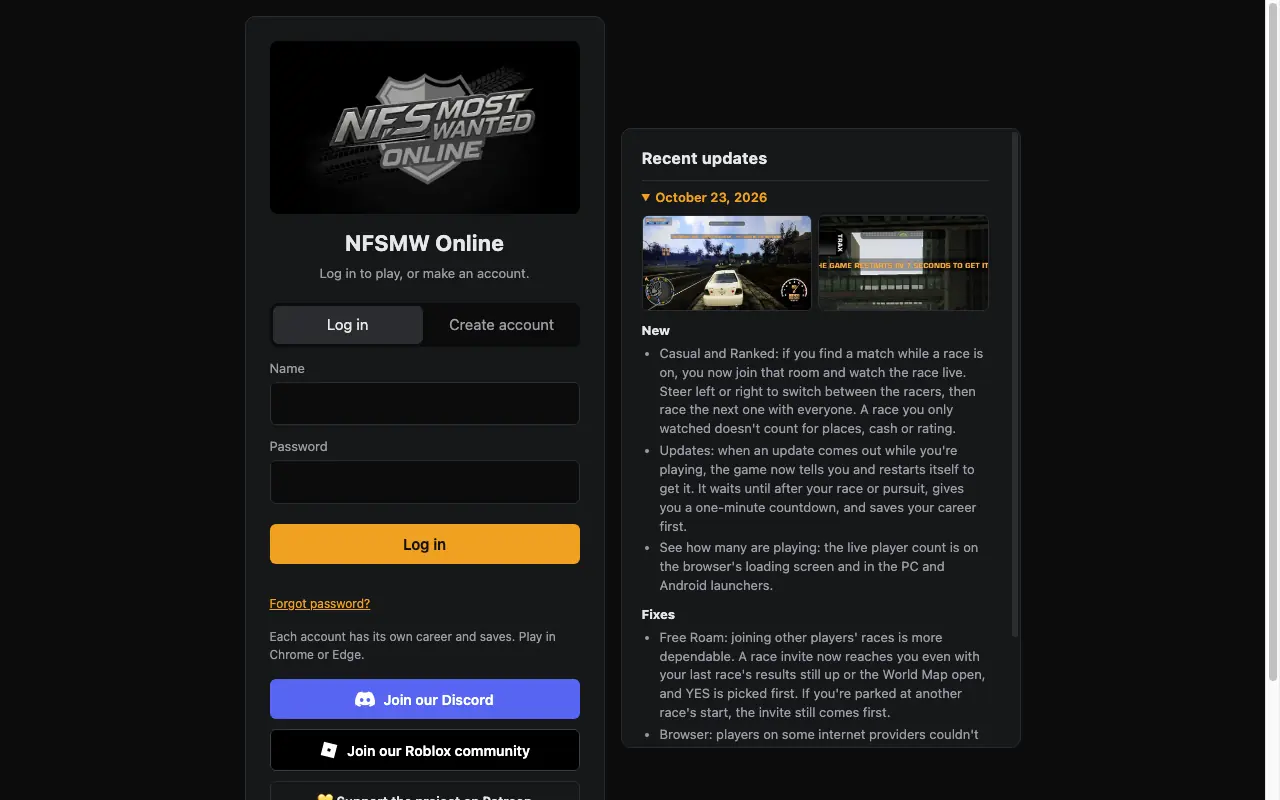
- If the download crawls, switch networks. NFSMW Online documented a slow path for some providers on 23 October 2026.
- Read the status page before you assume your PC is the problem.
Match the words on screen
The WebGPU warning is in public page code; black-screen and graphics entries are in the operator log. MWO runtime strings could not be rechecked because its bundle returned 403. “Possible cause” means the project did not publish a single trigger.
| What you see | Where | What it points to |
|---|---|---|
| This browser has no WebGPU | NFSMW Online | Open Chrome or Edge |
| Download/progress controls | MWO public HTML | No measured total or verified runtime error code in this check |
| Black screen at the safehouse or shop | NFSMW Online, 21 Oct 2026 | The log says this was changed to a loading screen |
| no graphics | NFSMW Online log for Brave, Chrome on Linux, Firefox outside Windows | The page explains the graphics path |
Questions and answers
It says this browser has no WebGPU.
That sentence is NFSMW Online’s: “This browser has no WebGPU - open the game in Chrome or Edge.” The project names Chrome or Edge, without publishing a minimum browser version. WebGPU first appearing in a browser version is not a minimum requirement for this game. Firefox is sent to lite mode instead of the full renderer.
The tab goes quiet when I switch away.
The public MWO HTML instructs you to keep the tab in the foreground while playing. This is one operator instruction, not an independently measured background-tab limit. Keeping it focused is a non-destructive first check.
dezm0n says it cannot reach the server.
On 29 October 2026 the itch comments included a report of about three days of download and save failures across three browsers. The author replied “try now” on a different JustPlayWeb report. That is a player report plus a short author reply, not a status dashboard.
Sources · 2026-10-29
- MWO browser client — Public HTML read without launching; linked JavaScript returned 403. Same operator as nfsmwo.com, not independent confirmation (checked 2026-10-29)
- NFSMW Online login — Single-operator source for update dates, lite-mode figures, launcher mentions and password-reset instructions; no sign-in tested (checked 2026-10-29)
- dezm0n web port — Single author/platform source for timestamps, settings and experimental-career limits; linked mirror is not independent (checked 2026-10-29)
- Metaratings, 21 Oct 2026 — Independent publisher describing the port; repeats author instructions, not independent gameplay validation (checked 2026-10-29)