Guides
How to play Most Wanted 2005 in a browser
Updated 2026-10-29
These are published start instructions for unofficial Need for Speed: Most Wanted (2005) projects, checked on 29 October 2026. They are alternatives, not consecutive steps. The review stopped at public pages: no account was created and no game was launched.
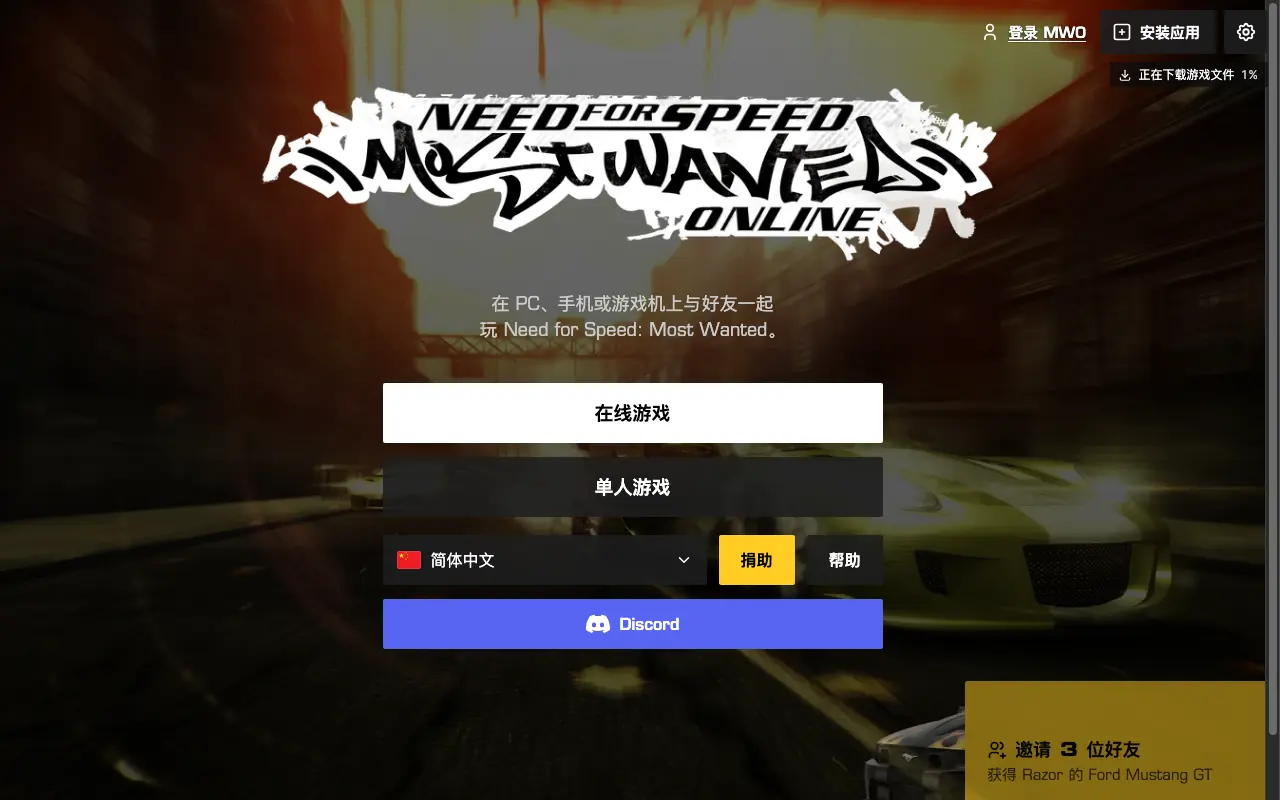
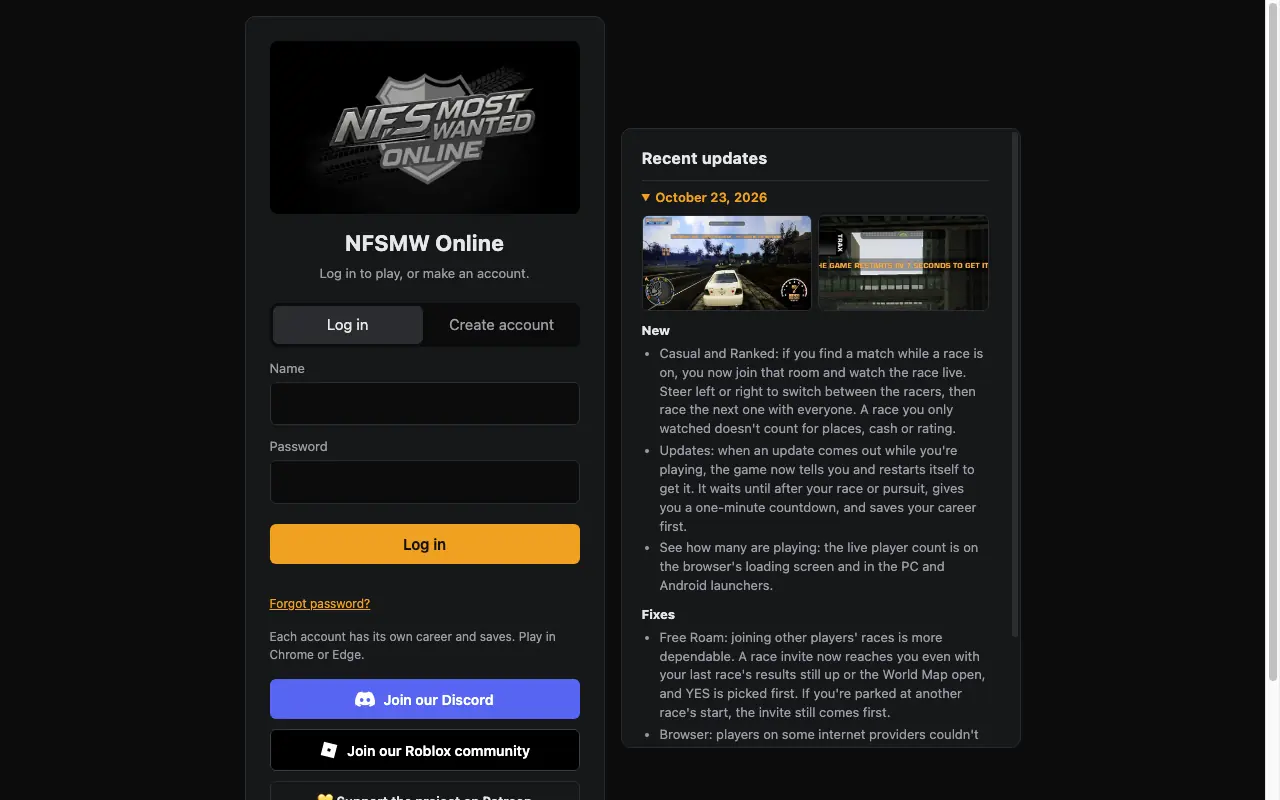
Start one of the three Most Wanted 2005 browser entries
Choose one route below. These are alternatives, not three installs to complete in sequence.
- Choose one route, not all three: open the MWO browser entry and follow its current on-page start controls; do not install the Windows mod for browser play.
- Alternatively, open nfsmwonline.com/login and use its current account form with a unique password; these are published instructions, not a registration tested here.
- Or open the dezm0n itch page, press Run game, then Start game, and turn Autosave on in the game menu.
Most Wanted Online in the browser
Open web.nfsmwo.com. Its public HTML contains an external-link confirmation dialog and an advertisement dialog. These are different controls, not evidence that either appeared during this review. Follow the current start controls and keep the tab in the foreground as its page requests.
The page has loading and progress controls. The homepage advertises no download or installation, but browser use still transfers data. No verified total or completion time is published here. Online play needs a Most Wanted Online account. The same project also ships a Windows mod if you already own a clean English 1.3 install.
NFSMW Online
Open nfsmwonline.com/login. Create account, enter a name and a password, and log in. The page says each account has its own career and that you should play in Chrome or Edge.
The operator notes under 21 October 2026 say phones start with about 200 MB less memory and lite mode downloads about 90 MB less; iPhone and iPad always use lite. These are single-source operator comparisons with no specified baseline build, not measured requirements or our device tests. If the page says the browser has no WebGPU, switch to Chrome or Edge. That sentence is in the page script.
dezm0n web port
Open the itch page or the JustPlayWeb mirror. Press Run game, then Start game. Create an alias in the original menu and set Gameplay, Autosave, to On. Video options default to 1920 by 1080 and can be lowered.
The page says online and LAN are not supported. The full career and post-race autosave are still marked as needing tests by the author. That is the author’s status, not a promise that every event saves.
Questions and answers
Can I use Firefox?
NFSMW Online’s own log says Firefox is pushed into lite mode because the full mode ran out of graphics memory. dezm0n asks for desktop Chrome or Edge. I would start there.
Do I create an EA account?
No. These are separate accounts. Do not reuse an EA password on either community login.
Sources · 2026-10-29
- MWO browser client — Public HTML read without launching; linked JavaScript returned 403. Same operator as nfsmwo.com, not independent confirmation (checked 2026-10-29)
- Most Wanted Online — Single-operator source for installation, modes and donation terms; not an independent gameplay test (checked 2026-10-29)
- NFSMW Online login — Single-operator source for update dates, lite-mode figures, launcher mentions and password-reset instructions; no sign-in tested (checked 2026-10-29)
- dezm0n web port — Single author/platform source for timestamps, settings and experimental-career limits; linked mirror is not independent (checked 2026-10-29)
- togame.io browser guide — Independent site; agrees on accounts and single-player split, but its desktop-only claim conflicts with NFSMW Online mobile notes (checked 2026-10-29)
- Metaratings, 21 Oct 2026 — Independent publisher describing the port; repeats author instructions, not independent gameplay validation (checked 2026-10-29)